
the Biblionar app

The Fellowship of the King

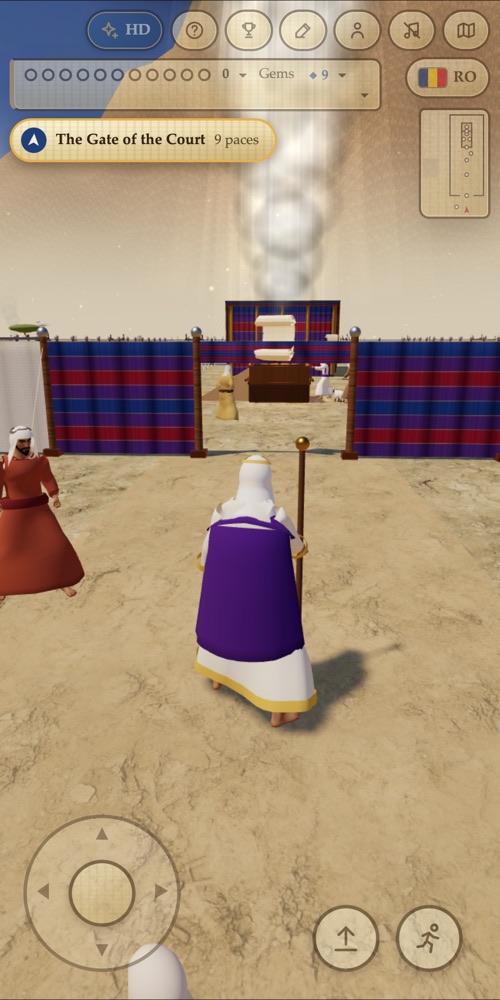
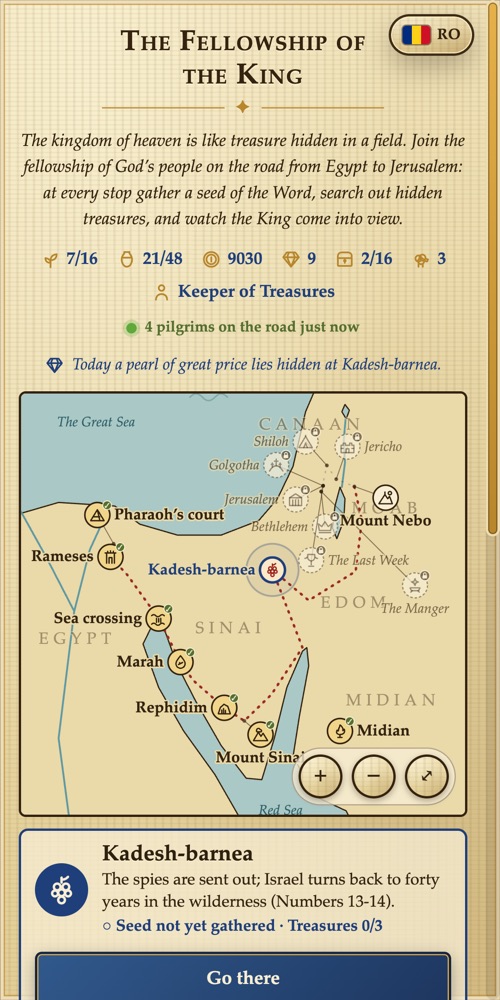
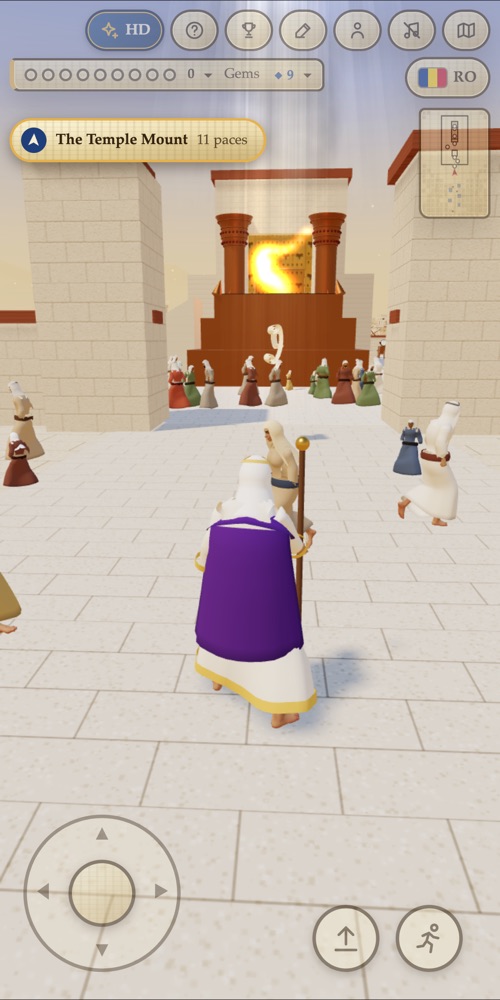
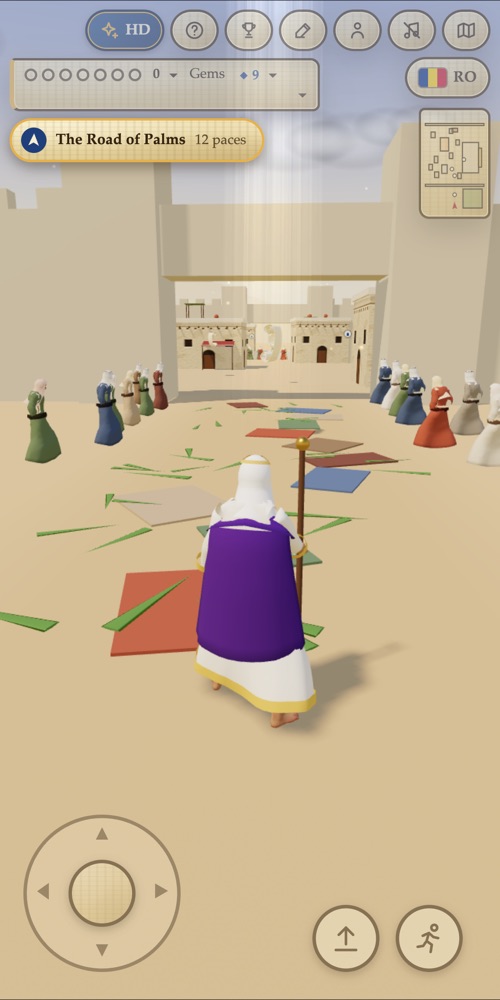
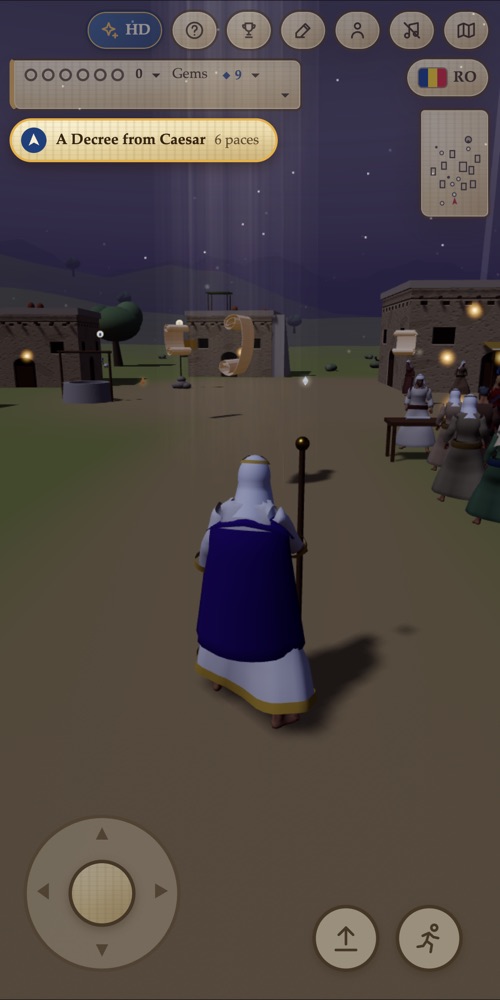
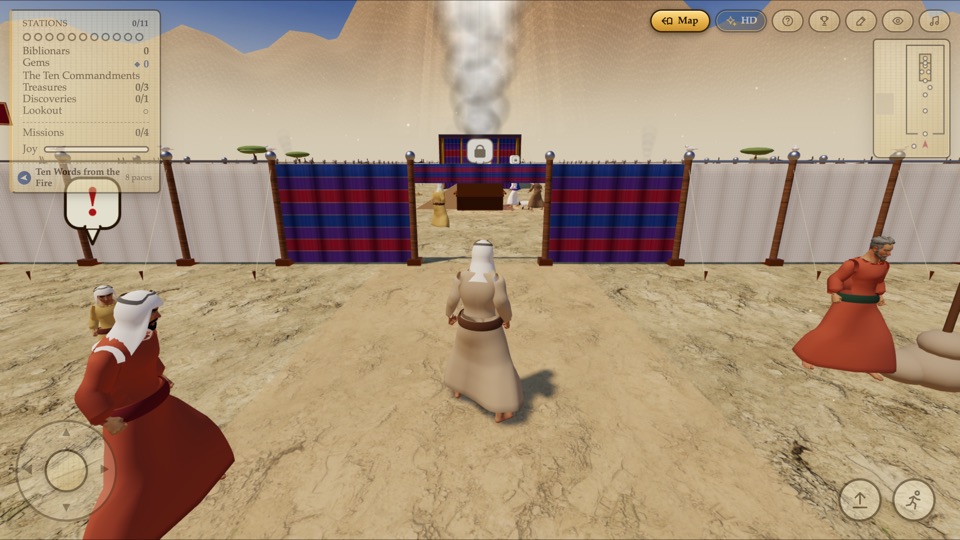
A 3D journey on foot through the Bible, from the burning bush to the empty tomb, with stories of their own for Eden, Noah, Joseph, Jonah, Daniel and Esther. Walk among the people at every stop, gather seeds of the Word, search for hidden treasures, and watch the King be revealed.

On a tablet or a computer

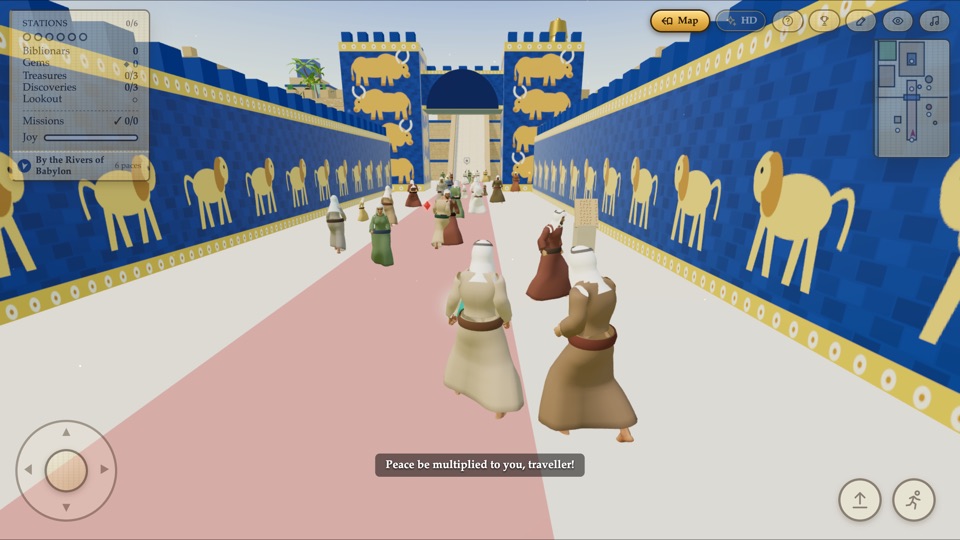
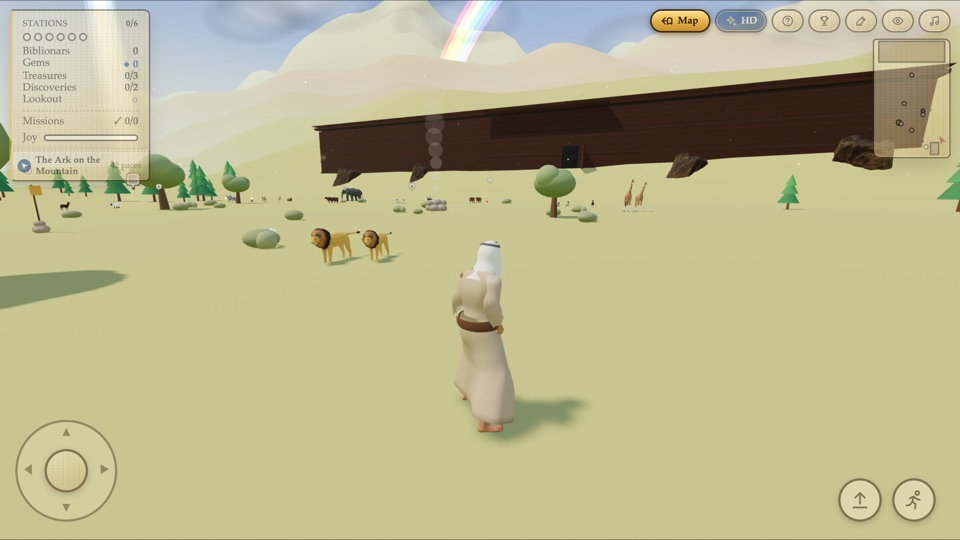
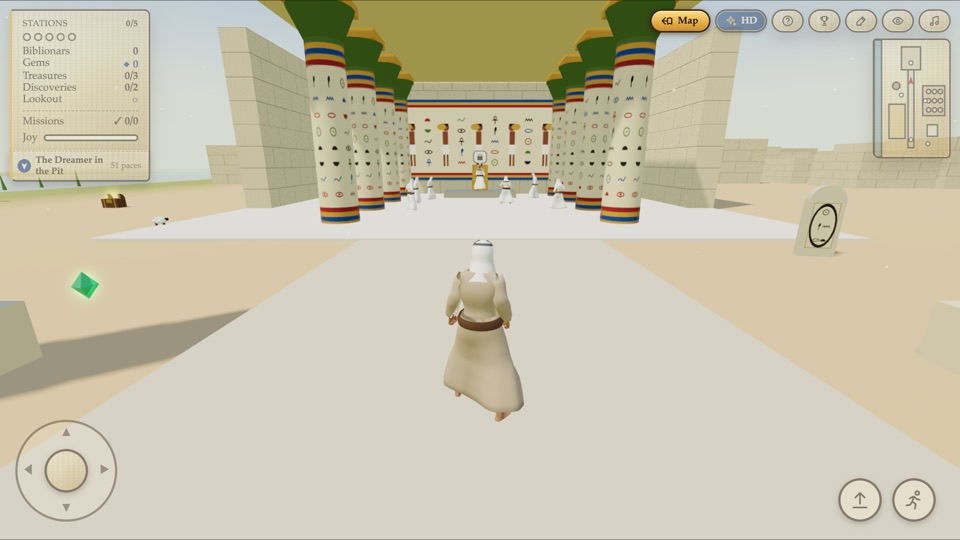
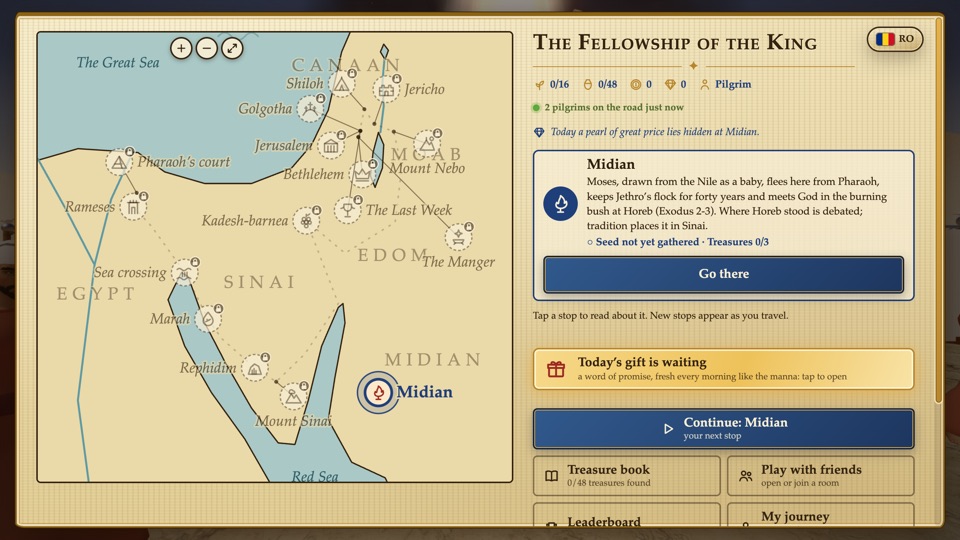
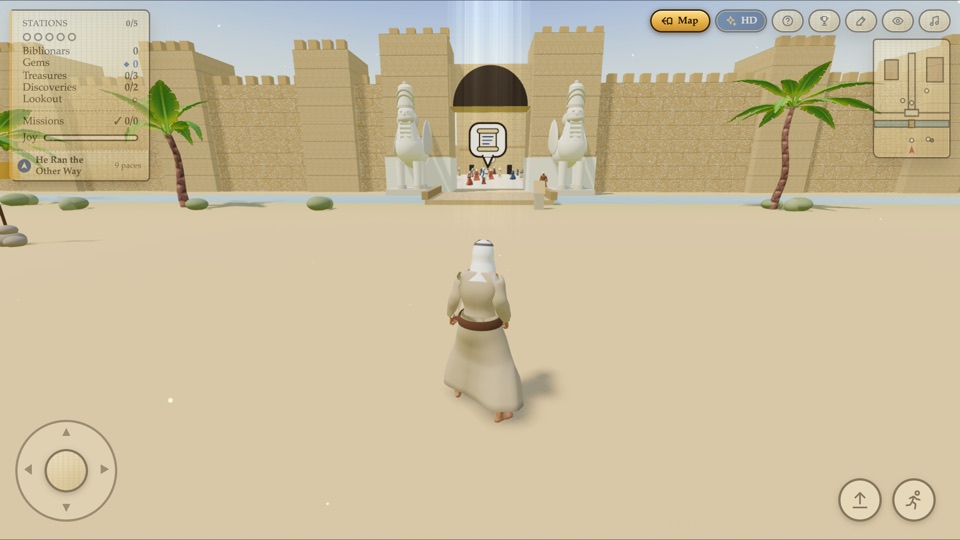
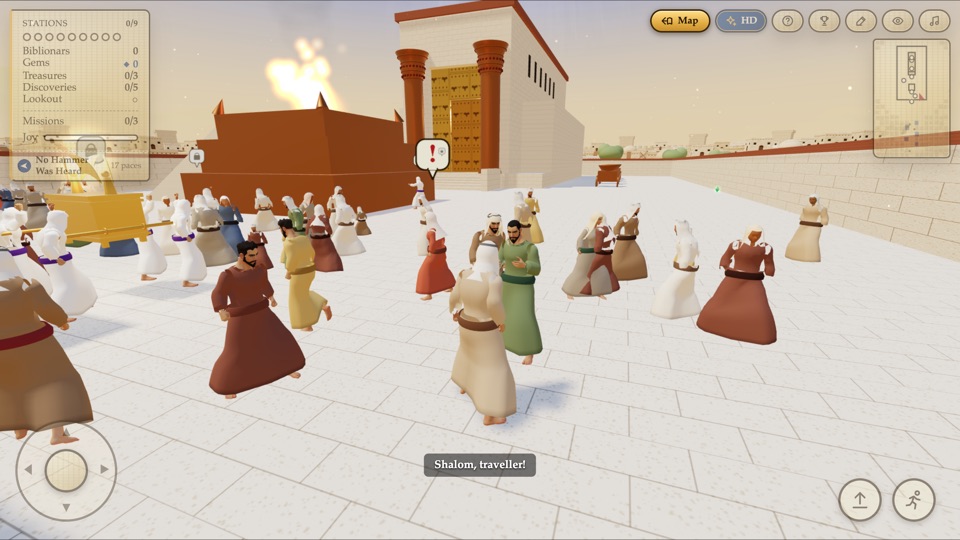
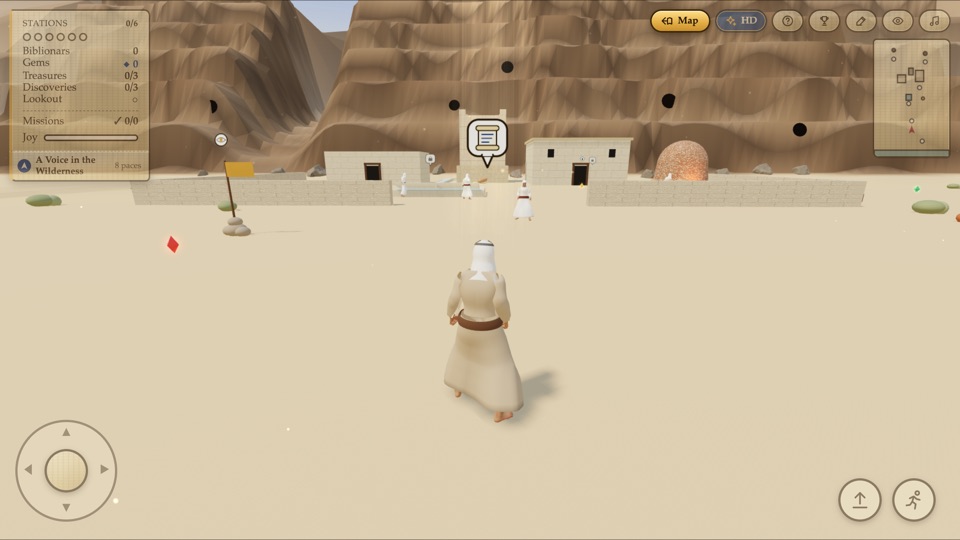
The procession way of BabylonThe ark on Ararat, under the bowPharaoh’s court in Joseph’s EgyptThe map of the journeyThe gate of NinevehSolomon’s TempleQumran, by the Salt SeaThe Tabernacle at Sinai
A map that keeps growing from the burning bush to the empty tomb, and more to come
Treasures and riddles hidden jars, gems and sealed chests
Places to explore houses, rooftops and the Temple courts
Play with friends one room, one journey, together
English and Romanian change the language at any time
Full screen, offline on a phone, a tablet or a computer

Get it

Early builds, while the store pages are being prepared. They are not yet signed by a store, so each system asks you to confirm the first time; the steps are below each one.

Android

APK
Get it
  1. Tap “Get it” and let the file download.
  2. Open it. Android asks once to allow installing from your browser: allow it.
  3. Play Protect may offer to scan the app: that is fine.
  4. This early build must be uninstalled before the Google Play version, later. Keep your journey first, under “My journey”.

iPhone · iPad

Safari
Open in Safari
  1. Open the game in Safari (scan the code, or tap “Open in Safari”).
  2. Tap the Share button, then “Add to Home Screen”.
  3. Open Biblionar from the home screen: it fills the whole screen like an app.
  4. A version from the App Store will follow.

Mac

zip
Get it
  1. Open the downloaded zip and move Biblionar to Applications.
  2. Open it. macOS refuses the first time, because the app is not yet from the App Store.
  3. Go to System Settings, Privacy & Security, and choose “Open Anyway”.
  4. For macOS 12 or later, Apple silicon and Intel.

Windows

zip
Get it

⚠ not yet tried on a real PC: tell us how it goes

  1. Unzip the whole folder and open Biblionar.exe.
  2. If Windows says “Windows protected your PC”, choose “More info”, then “Run anyway”.
  3. F11 fills the whole screen.
  4. For Windows 10 and 11.

The game is carried inside the app; the leaderboard and playing with friends need the internet. Privacy